- A README badge is a picture from shields.io. The star badge reads the repository's current count whenever it is shown, so the number updates by itself.
- The Repository tab builds up to 11 badges at once, each linked to the page it describes. The Custom tab builds one from label, message, colour, style and a Simple Icons logo.
- A site button with a live counter and a profile achievement such as Starstruck are different things, and they are made elsewhere.
- Copy the result as Markdown, HTML or the image address. The form state sits in the address, and the page stores nothing.
Pick the right thing first: a README badge, a site button or a profile achievement
People who search for a star button on GitHub mean three different things. This generator makes the first one: a small picture for a README that reports a fact about your repository, such as its stars, license or latest release. You paste the Markdown it gives you into the README, and shields.io draws the picture. The other two have their own tools.
| What you want | What it is | Where it comes from |
|---|---|---|
| A badge in a README | An image with a label and a value, served by shields.io | This generator |
| A Star button with a counter on a website | HTML or a React component that calls GitHub | The official buttons.github.io page for HTML, or a component such as the shadcn.io GitHub stars button |
| A profile achievement such as Starstruck | An award GitHub gives your account, shown on your profile | Nobody can generate it. See GitHub achievements |
Our generator draws no interactive button, does not star anything and changes nothing on GitHub. What to do now: if you need a counter on a web page, open buttons.github.io, choose Star, tick Large button and Show count, and copy the HTML it prints.
Maintainers, course authors and newcomers each reach for a different badge
- A maintainer about to announce a project ticks stars, license, latest release and last commit, so the README shows that the code is alive.
- A junior developer with a portfolio repository adds top language and license, two badges that cost nothing to keep true.
- A course author builds one custom badge per lesson, such as a label "lesson" with the message "3 of 8", and links it to the code.
- A team lead puts a custom "docs" badge with a logo in front of the internal wiki address.
- A DevRel engineer adds the owner's followers badge to an organisation's README.
Three steps: name the repository, check the preview, copy the code
Give it a repository or a badge text
On the Repository badges tab, paste owner/repository or a link, tick the badges you want and choose a style. Stars, forks, issues, license, release and last commit are ticked from the start. On the Custom badge tab, type a label and a message instead.
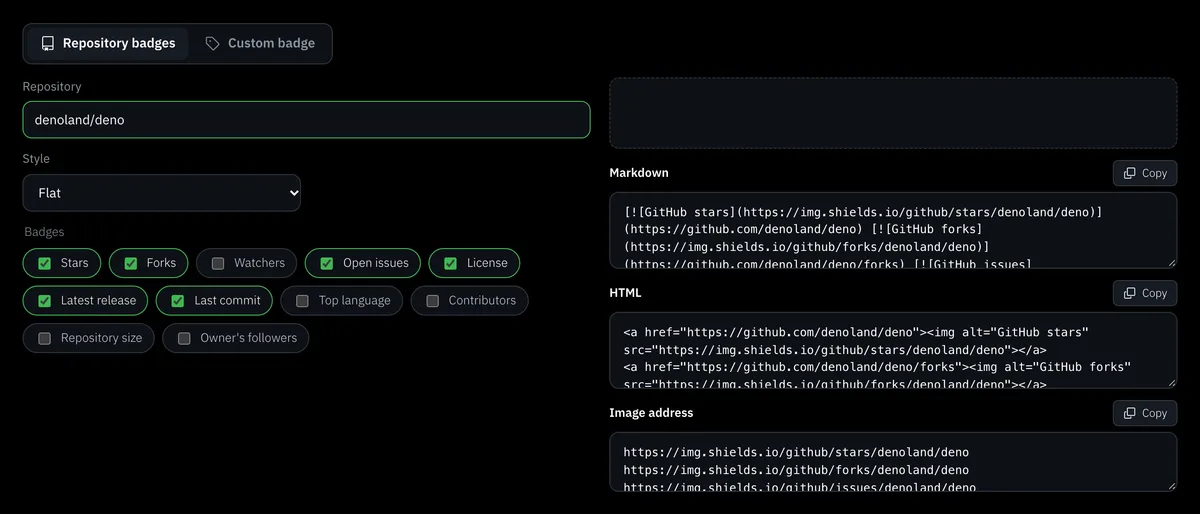
Check the preview
The preview is the real picture from shields.io, with each badge wrapped in its link. If shields.io cannot draw one, a message under the preview names it and suggests checking the repository name or the logo.
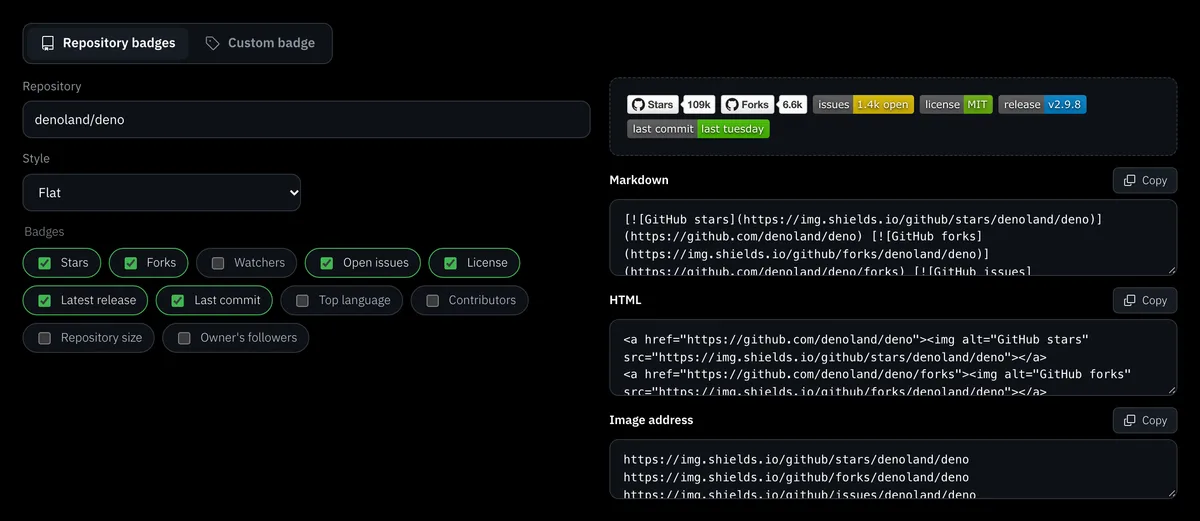
Copy the code, or send the link
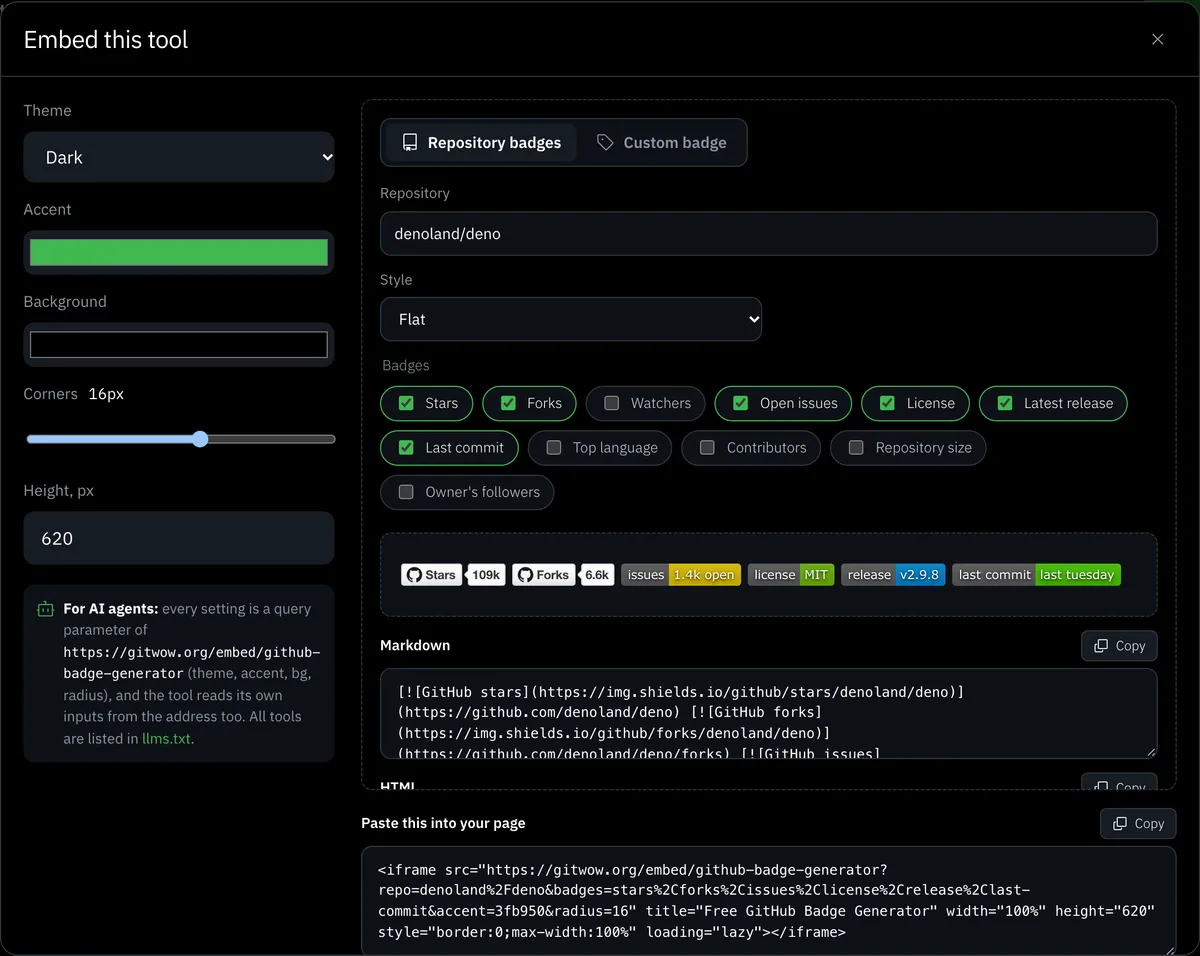
Three fields hold the result: Markdown for a README, HTML for a web page and the bare image address for anything else. The form state lives in the address of the page, so a filled generator is a link you can send. The Embed button builds an iframe of it for your own site.
Add live repository badges to your README in one line
Each repository badge is a shields.io address, and shields.io reads GitHub when the picture is shown. A number you typed by hand stays frozen. This one follows the repository, so a star badge always shows the current star count, shortened by shields.io once it gets long. The generator links each badge to the page it describes, with one exception explained under the table.
| Badge | Shows | Links to |
|---|---|---|
| Stars | Current star count | The repository |
| Forks | Fork count | /forks |
| Watchers | Watcher count | The repository |
| Open issues | Issues still open | /issues |
| License | The license name | The LICENSE file |
| Latest release | The newest release tag | /releases |
| Last commit | How long ago the last commit was | /commits |
| Top language | The main language | The repository |
| Contributors | Contributor count | The contributors graph |
| Repository size | Size of the repository | The repository |
| Owner's followers | Followers of the account | The follower list |
A line in the Markdown field looks like [](https://github.com/owner/repo). The stars and watchers badges link to the repository itself. Since mid-2026 GitHub shows the stargazer and watcher lists only to admins and collaborators, so a link there would show most readers nothing. The repository page is where they can press Star or Watch.
GitHub's help says starring is a two-step process, open the repository and press Star at the top right, and that many of its repository rankings depend on the number of stars (GitHub docs). The badge puts that number in front of every reader, and the button is where it grows. If you want more stars on the repository, start free on the home page.
Build a custom badge from label, message, colour and logo
The Custom badge tab makes one static badge. The message is required, since it is the right half. The label is the left half and may stay empty. The colour comes from ten named choices or any hex value, with a separate colour for the label. A logo is a Simple Icons name, and twelve buttons fill the common ones, such as github, typescript, python, docker and vercel. The link is optional.
The result is an address of the form img.shields.io/badge/label-message-colour with the style, logo and colours as extra parameters. A dash or an underscore inside the text must be doubled and a space becomes an underscore, and the generator does that escaping for you. The page shows no catalog of its own: shields.io lists every badge type it serves, and Simple Icons lists the logo names.
A custom badge is plain text in a coloured box. It checks nothing and never updates, so keep it for facts that change rarely, such as a docs address or a lesson number, and never type "passing" for a build you do not run. Build and coverage badges come from the service that runs those checks, and its own badge Markdown is the one to paste.
Choose one style and keep it across all badges
shields.io has five styles and the generator offers all of them for both tabs.
- flat is the default: a flat strip with rounded corners.
- flat-square is the same strip with square corners.
- plastic adds a glossy gradient.
- for-the-badge is tall, with capital letters.
- social looks like a button with the count beside it.
Mixed styles in one row look accidental, so choose one before you tick anything and keep it for the whole README.
Link every badge to the page it describes, and keep the row short
A badge that leads nowhere wastes a click. Our badges link by default: forks to the fork list, releases to the release page, license to the LICENSE file. Up to five badges fit in one row. Beyond that, group them by category in a Markdown table, and centre a row with an HTML paragraph that has align set to center. Show what a visitor needs to decide and leave the rest out. What to do now: untick everything except the five badges that answer whether the project is alive, licensed and current.
Know the limits of shields.io and GitHub API counters
- The count is fetched by shields.io when the picture is shown. If GitHub or shields.io cannot answer, the picture does not render and the alt text shows instead. Our page tells you which badge failed.
- A badge for a user's total stars counts at most the 200 most-starred repositories of that account, according to shields.io. The generator's Stars badge is per repository.
- Without authorization GitHub's API gives 60 requests an hour per IP. That limit matters to a button on your own website, which should cache the count. A README badge leaves the limit to shields.io.
- Slack and HTML e-mail do not show SVG, so a badge in those places needs a raster picture.
Embed the generator, or hand the link to an AI agent
The Embed button beside the heading offers a dark or light theme, an accent colour, a background, corner roundness and height, with a live preview and the iframe code. The code carries the badges you built, at /embed/github-badge-generator. Every setting is a parameter in the address. /embed/github-badge-generator?repo=owner/name&style=flat-square&badges=stars,forks,license builds three badges. For a custom badge use tab=custom with label, message, colour, style, logo and link. The label colour and logo colour are not stored in the address. The page /llms.txt lists all the free tools, and the free tools catalog shows them to people.
What sets this generator apart
Everything is free, needs no GitHub account and stores nothing: the page only assembles addresses, and shields.io draws the pictures. Repository badges carry real, current numbers and a link each. The generator works with the README stats cards for contribution numbers, the profile views counter for a views badge, the profile README generator for a whole profile and the README generator for a project. For a chart to put beside the badges, use the star history generator.